Data Transmission
Dredge plant data are transmitted to the DQM Center in real time through the DQM Web Service. Each dredge plant is provisioned with its own connection information, and the contractor's onboard system sends data in the specified format at a set cadence using one of the supported protocols.
Supported Transmission Methods
Three methods are available for sending data to DQM. The Azure IoT Hub Device SDK is strongly recommended for all new implementations.
Azure IoT Hub Device SDK
RecommendedThe default and recommended choice for virtually all new implementations. The SDK handles connection management, TLS, authentication, retries, and SAS token generation automatically. Available for C#/.NET, Java, Python, Node.js, C, and embedded C.
HTTPS (REST) Direct
Use only if your environment cannot host an SDK runtime. Each message opens a new TLS connection, making it the simplest protocol to implement from scratch but the least efficient for high-frequency transmissions.
MQTT Direct
Use only if the SDK is not an option and you need a persistent connection. This approach requires you to manually generate, manage, and renew SAS tokens for authentication. Higher implementation complexity.
Payload Formats
The data in the message body must be formatted according to the plant type.
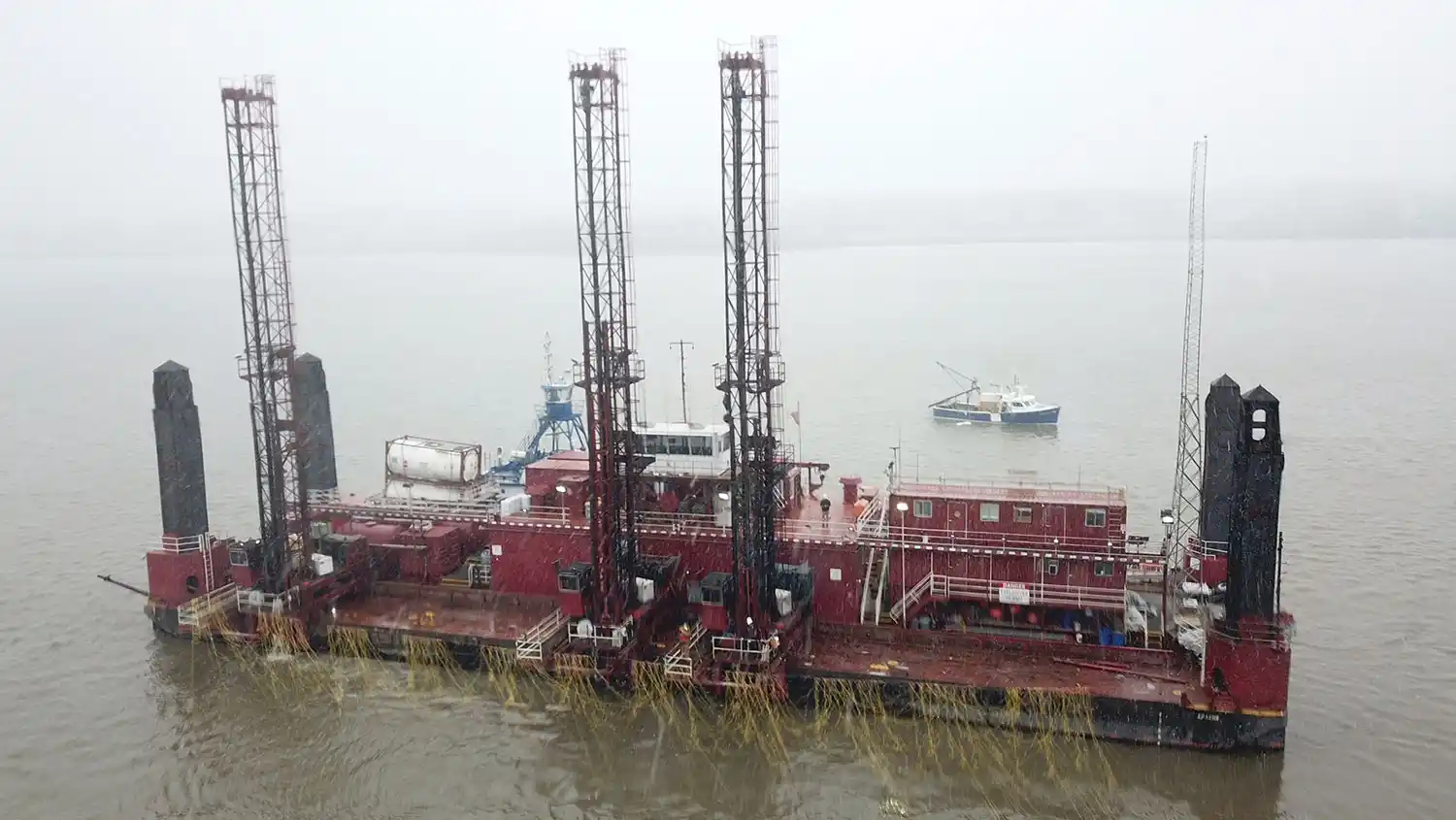
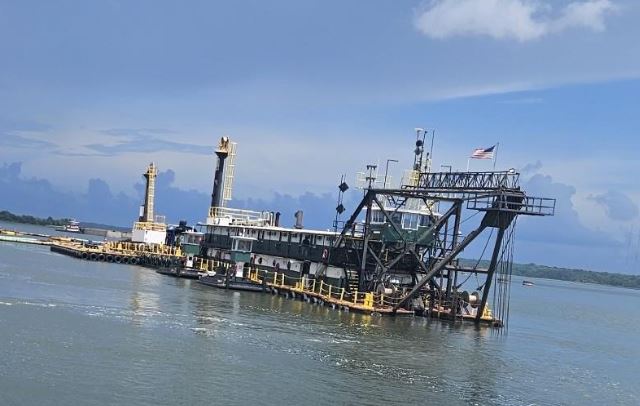
Hopper Data are transmitted in XML format. Each message should be a single XML document.
Sample StringPipeline Data are transmitted in JSON format. Each message should be a single JSON object.
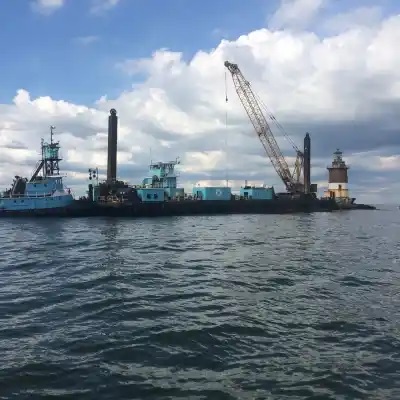
Sample StringMechanical Data are transmitted in JSON format. Each message should be a single JSON object.
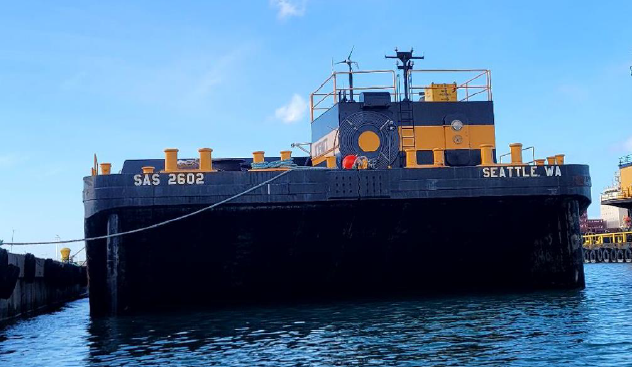
Sample StringScow Data are transmitted in XML format. Each message should be a single XML document.
Sample StringData Frequency
Data reporting intervals vary based on plant type and operational activity.
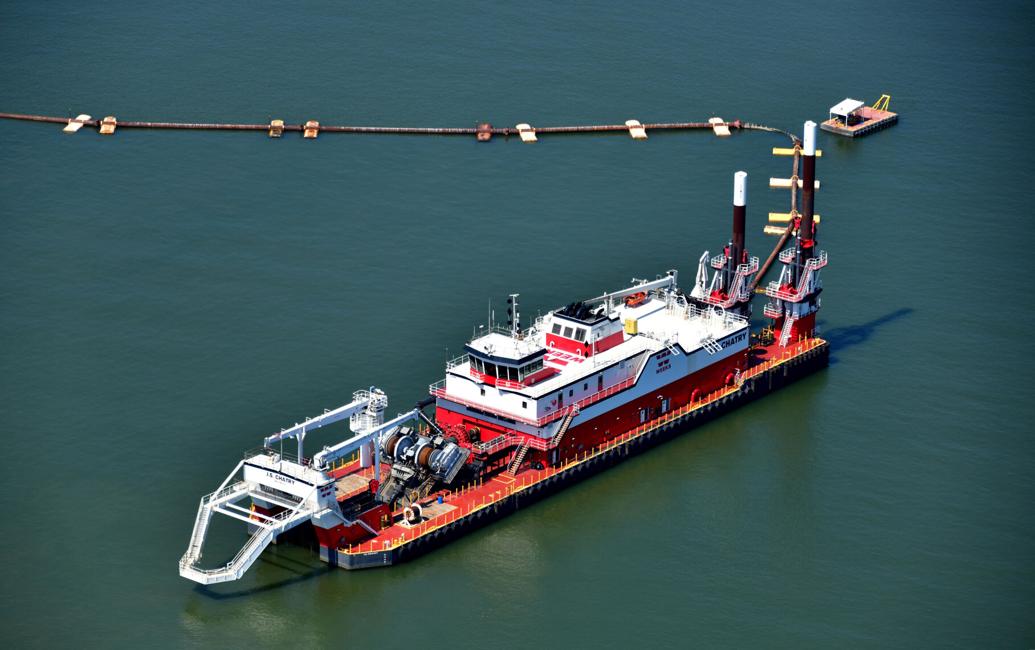
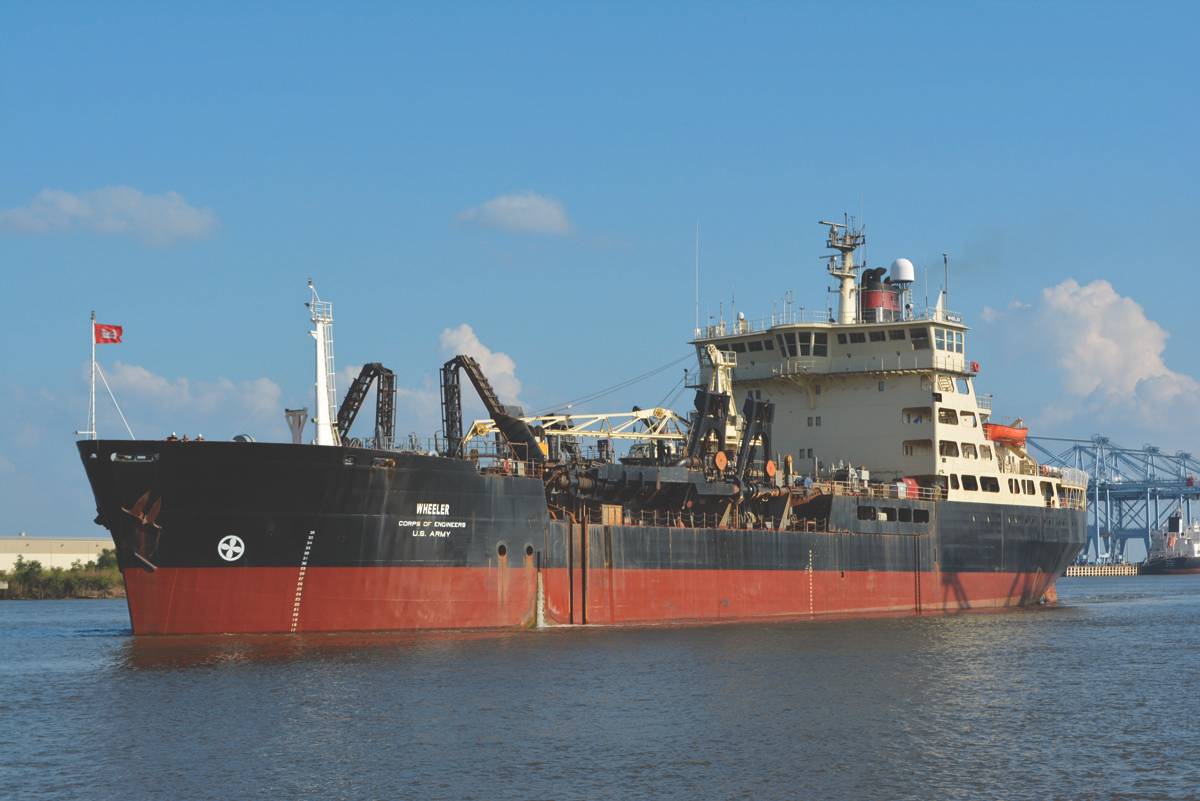
Hopper Dredges
All events: 6 to 12 seconds
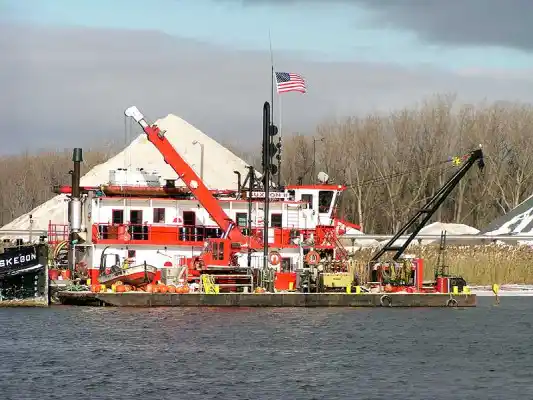
Pipeline Dredges
All events: 6 to 12 seconds
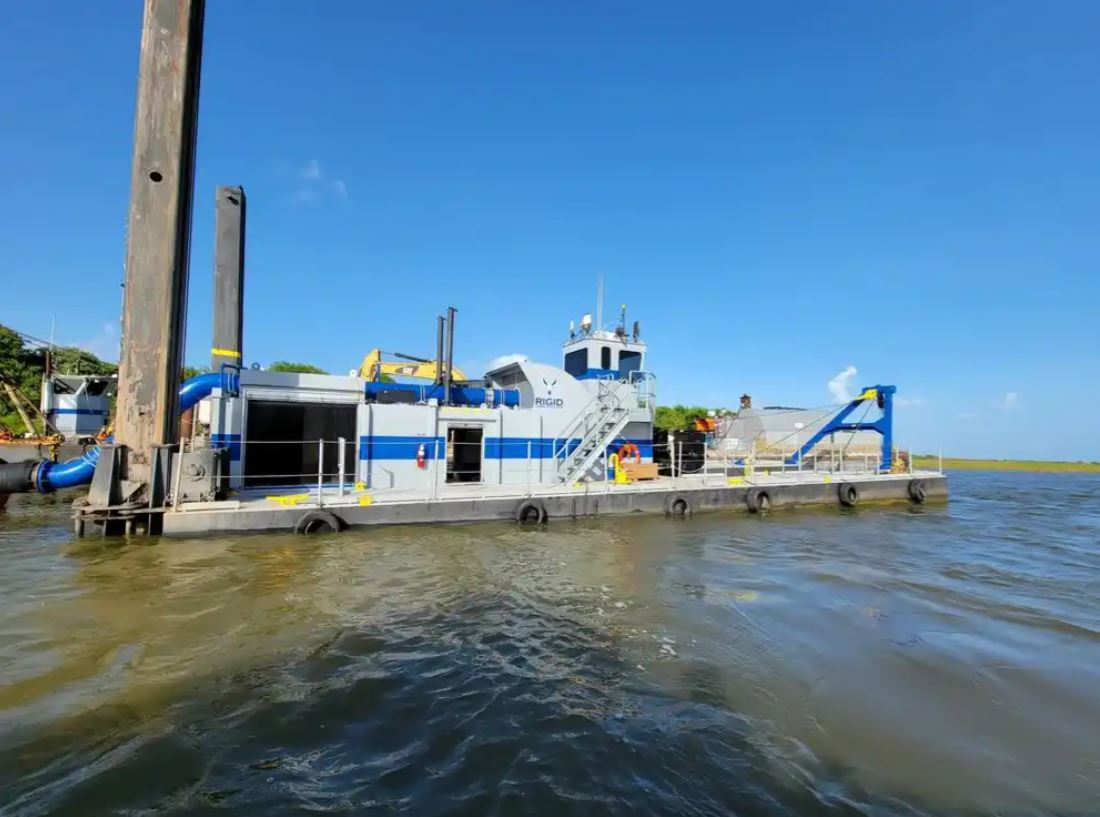
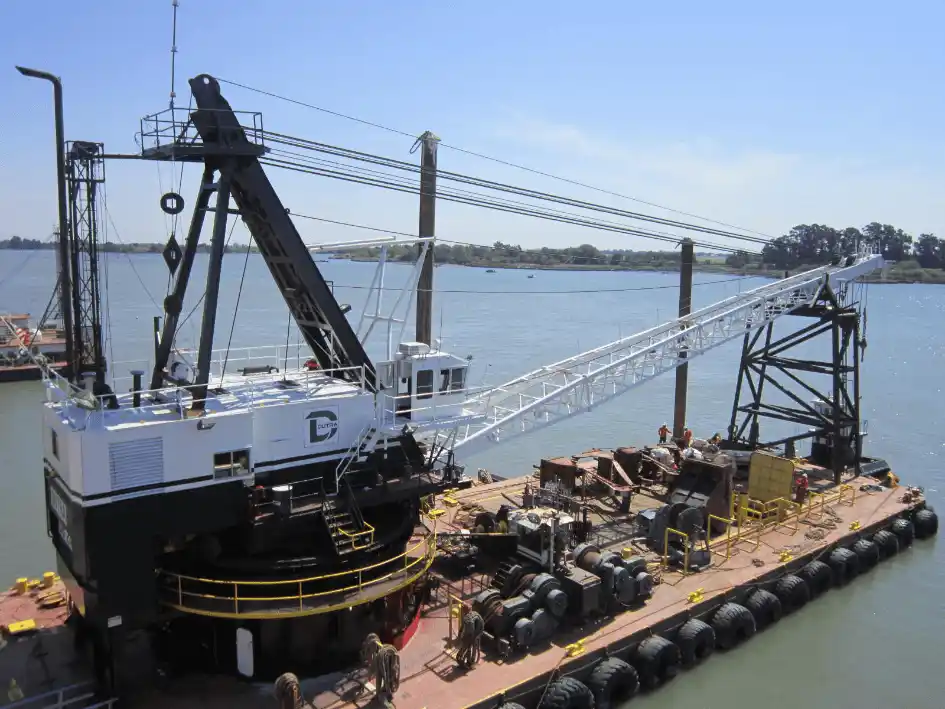
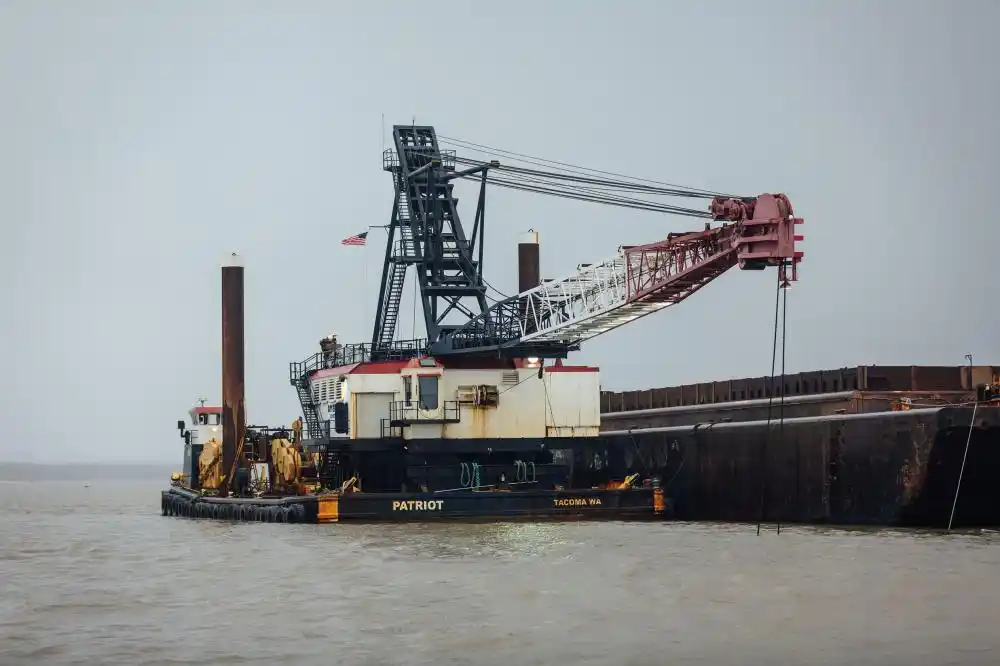
Mechanical Dredges
Time Interval Events: 1 minute
Dig/Dump Events: a data point must be recorded within 1 second of occurrence.
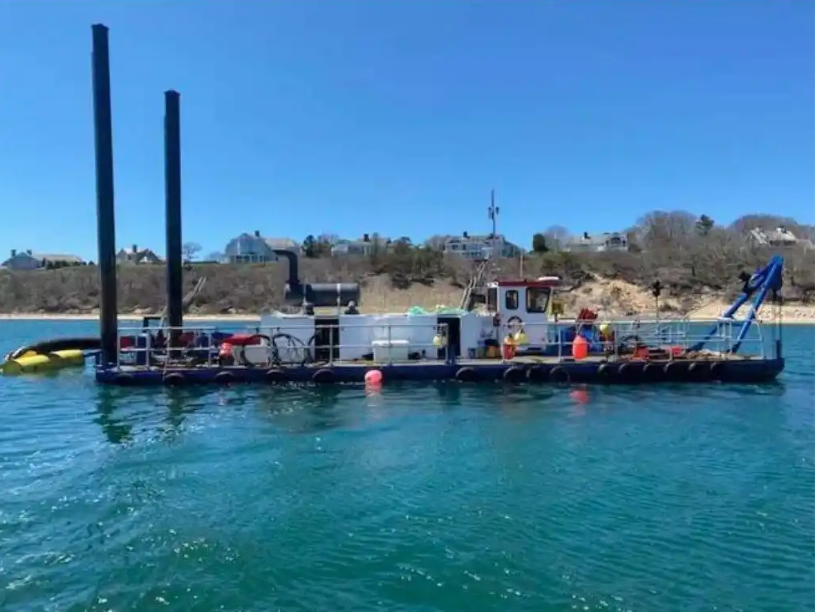
Scows
Loading/Sailing/Offloading/Idle: 1 minute
Hull Open: 6–12 seconds
Data Backup & Archival
Data will be logged locally onboard the dredge plant as a backup of transmitted data. An archive of all data sent to the DQM Center in the format that it was originally collected and transmitted must be maintained.
This archive will be preserved by the contractor for a minimum of one year past the end of the dredging contract. The DQM Center or USACE may require, at no increase in the contract price, that the contractor provide a copy of these data covering specified time periods.
Useful Resources
Reference documentation for Azure IoT Hub integration
Microsoft's overview of IoT Hub architecture, features, and capabilities.
Learn moreLanding page for all Azure IoT Hub Device SDKs — C#, Java, Python, Node.js, C, and embedded C.
Learn moreHow to communicate with IoT Hub using the MQTT protocol directly (for non-SDK implementations).
Learn moreIoT Hub communication protocols including HTTPS direct device-to-cloud messaging.
Learn moreFor onboarding, credentials, test devices, plant type assignment, or payload schemas — contact the USACE National DQM Center.
Learn more